Mobile Wallets

Get and stay in touch with your customers at any time on their smartphone
mobile wallet visual header

Apple Wallet, Google Wallet, Samsung Wallet: engage your customers in their mobile

Mobile Wallets native apps that we all have on our smartphones without exception, whether it’sApple Wallet on iPhone, Google Wallet on Android, or Samsung Wallet on Samsung smartphones. They turn mobile devices into a prime channel for communication and engagement between your customers and your brand, through an app that users don’t uninstall and that is already used by a large number of customers.


Get a demo

Unlock the full potential of Mobile Wallets

Dematerialization of loyalty cards, invitations and coupons

Digitalize your loyalty cards, invitations and coupons

With Mobile Wallets, your customers havereal-time access
to their loyalty points, their
status, and other offers such as coupons,
current rewards, and invitations to
events.

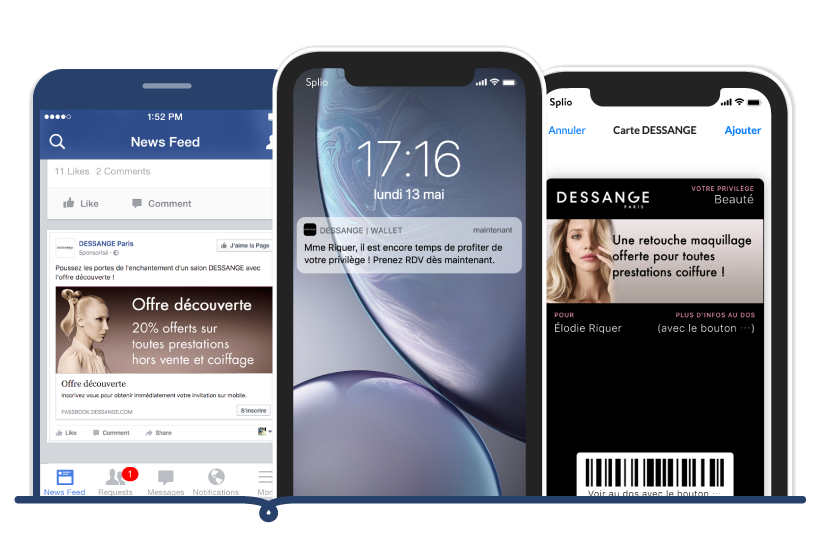
Push wallet notification

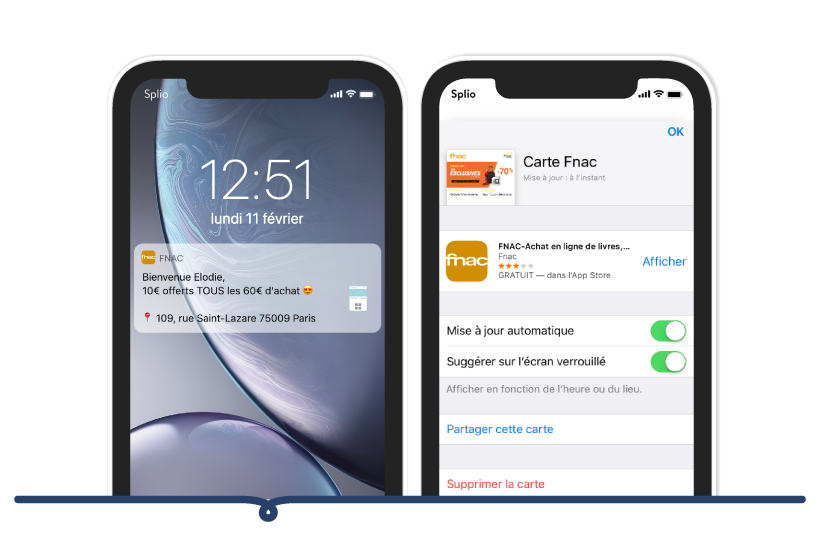
Notify your customers near your stores

Drive traffic to the store when the customer is near a
is near a point of sale by displaying proximity notifications.

Communication channel

Open a new channel for personalized communications

Segment and target your customers and
communicate ultra-personalized mobile experiences
experiences via push wallet notifications.

Example of a card in Mobile Wallet

These brands use Splio Mobile Wallets

Cojean loyalty card

Digitalized loyalty card & accessible to all

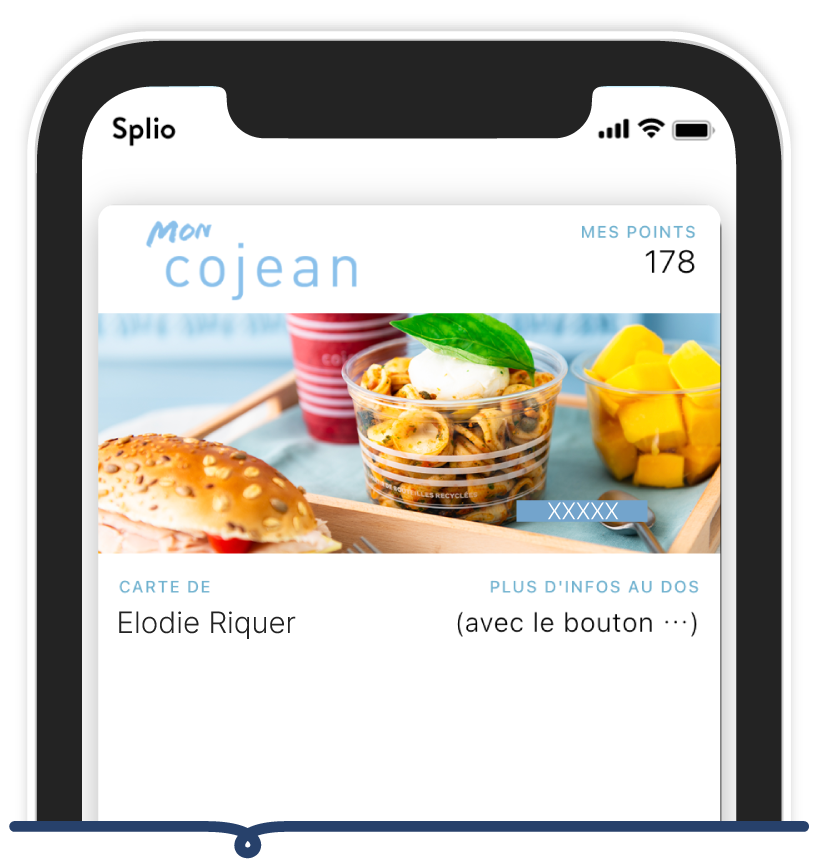
Cojean has digitalized its loyalty program and now allows its customers toadd the loyalty card directly to their Mobile Wallet thanks to QR codes displayed in restaurants. Customers can thus follow in real time the update of their loyalty information.

Mr.Bricolage loyalty card

Digitalization of coupons

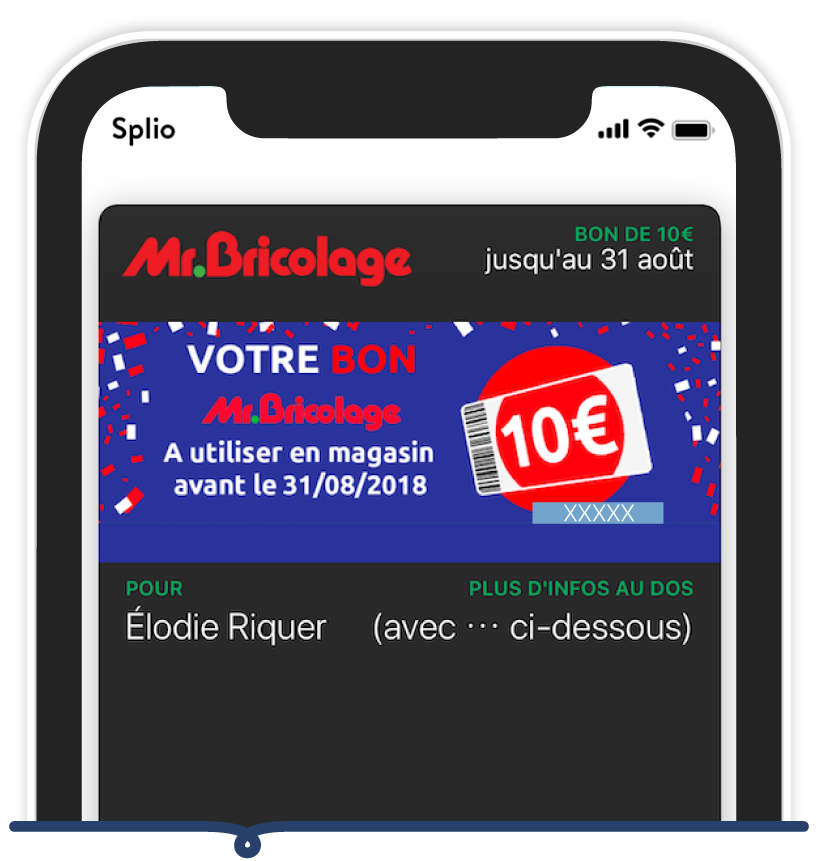
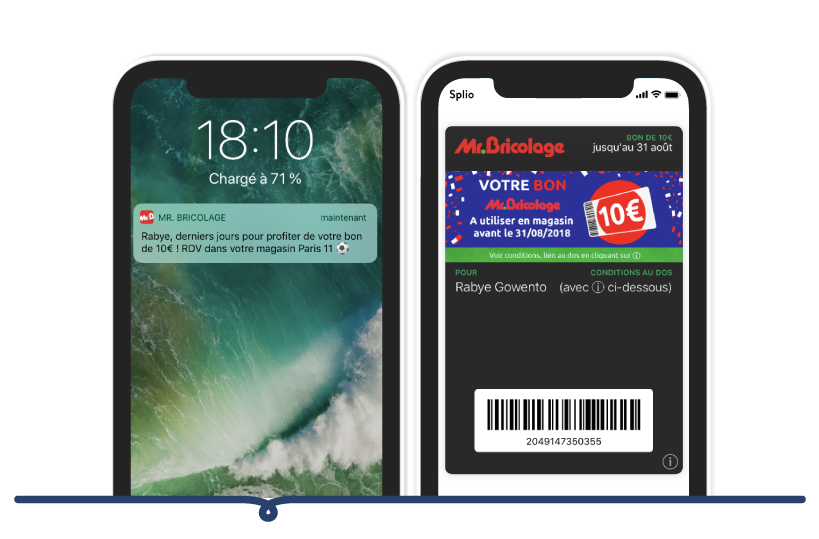
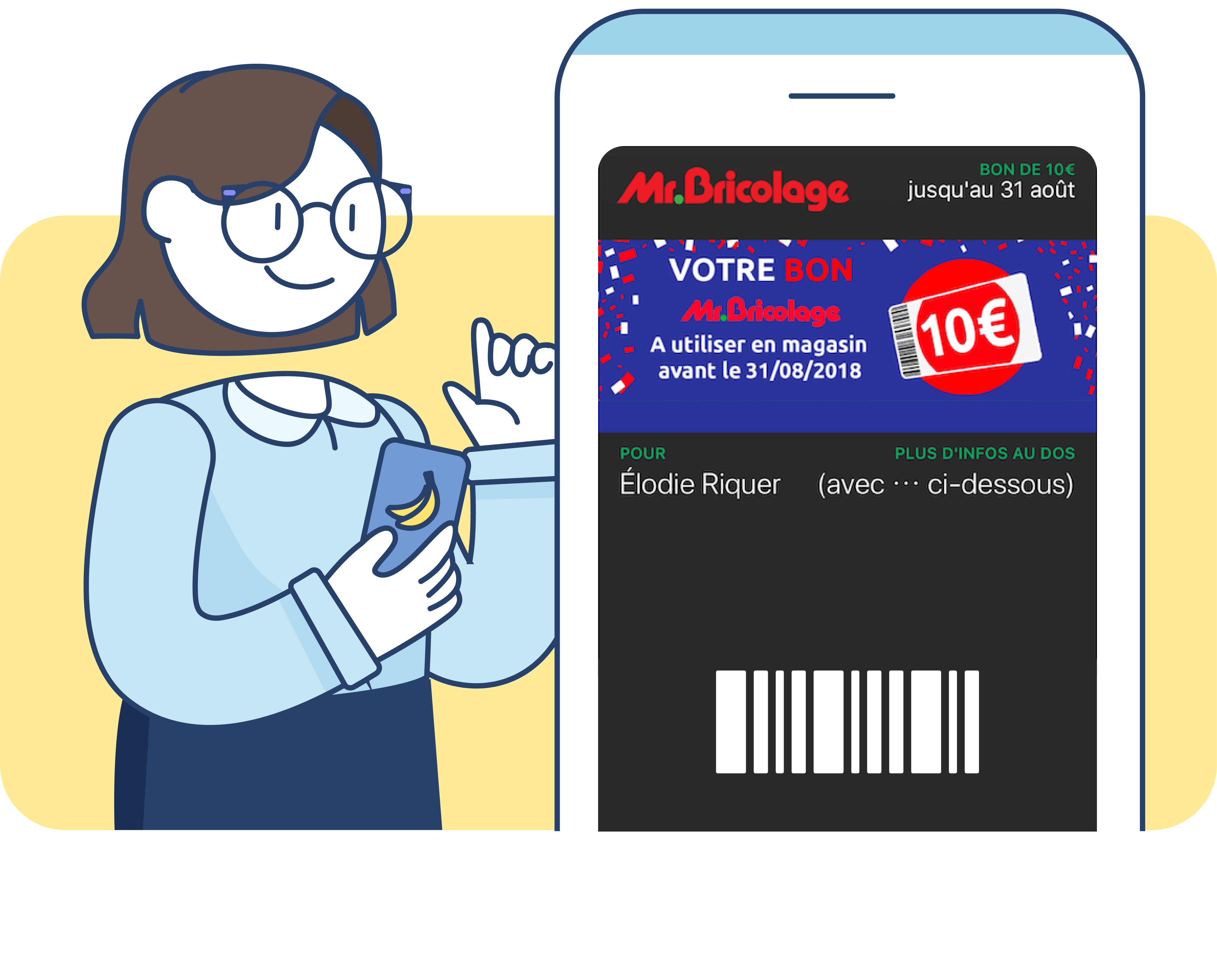
Mr. Bricolage offers visitors to the store (customers and prospects) to scan a QR code and add their coupons to their Mobile Wallet. They have real-time access to coupon information and can easily use them in-store from their phone.

Fnac loyalty card

Digitalization of the member program

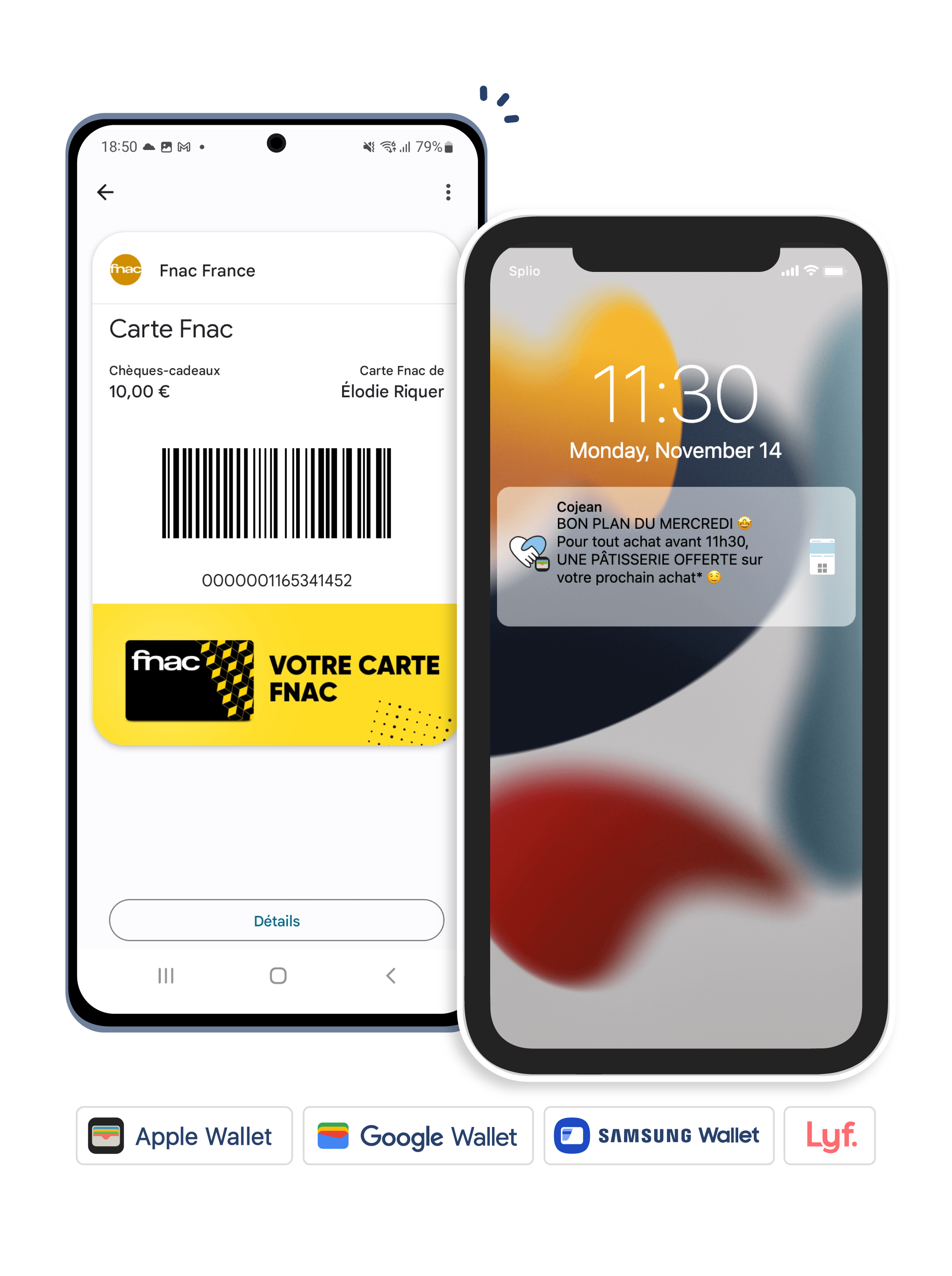
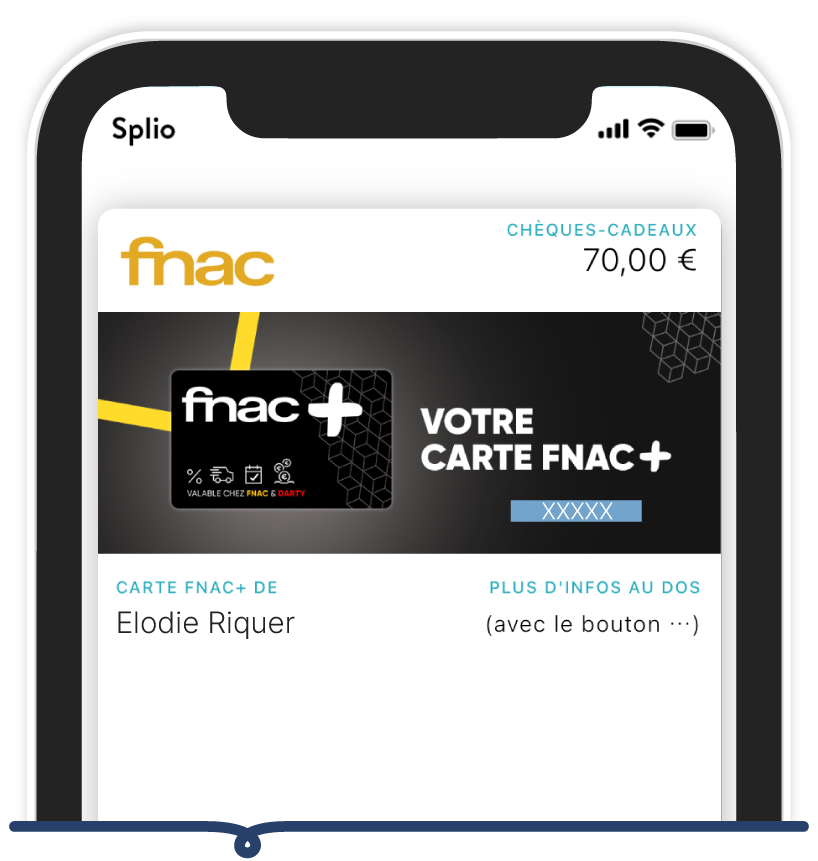
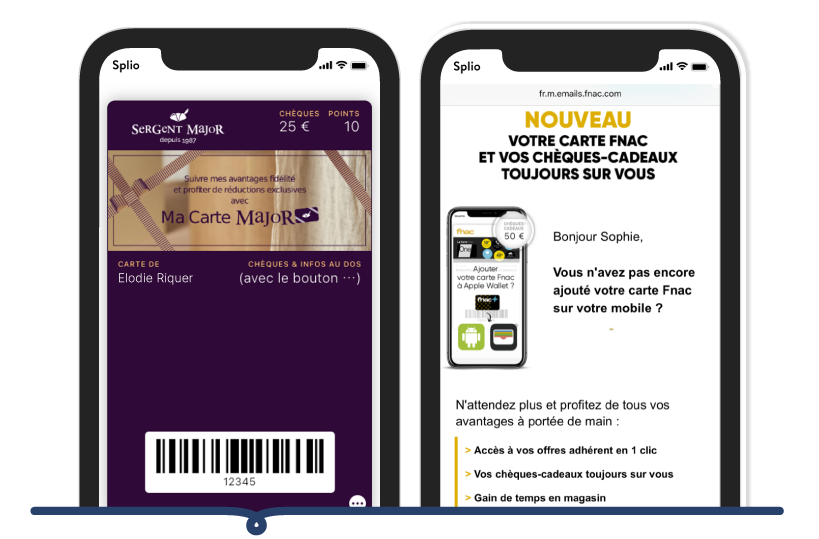
FNAC offers its members to digitalize their loyalty card and add it to their Mobile Wallet in order to have real-time access to their loyalty information, gift cards and other personalized offers at any time.

Grain de Malice loyalty card

New CRM channel

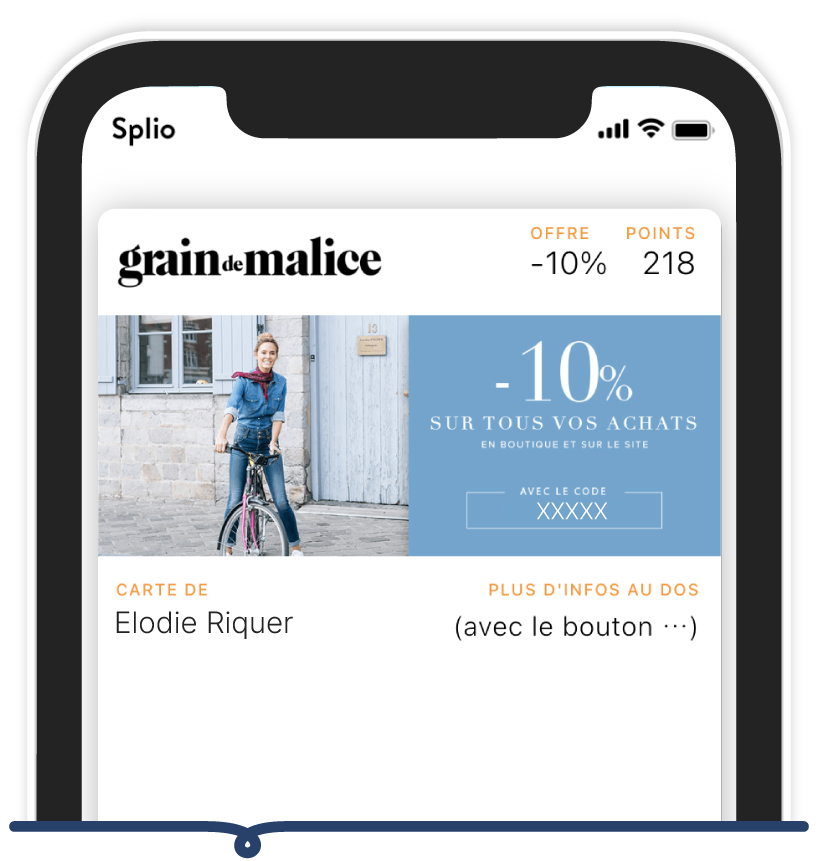
Grain de Malice uses Mobile Wallets a new CRM channel to communicate with its customers via wallet push notifications. This allows the brand to keep them informed about new products, discounts, and current promotions. The brand has also implemented proximity-based messages that are automatically triggered when a customer is near a store.

Norauto loyalty card

Customer animation

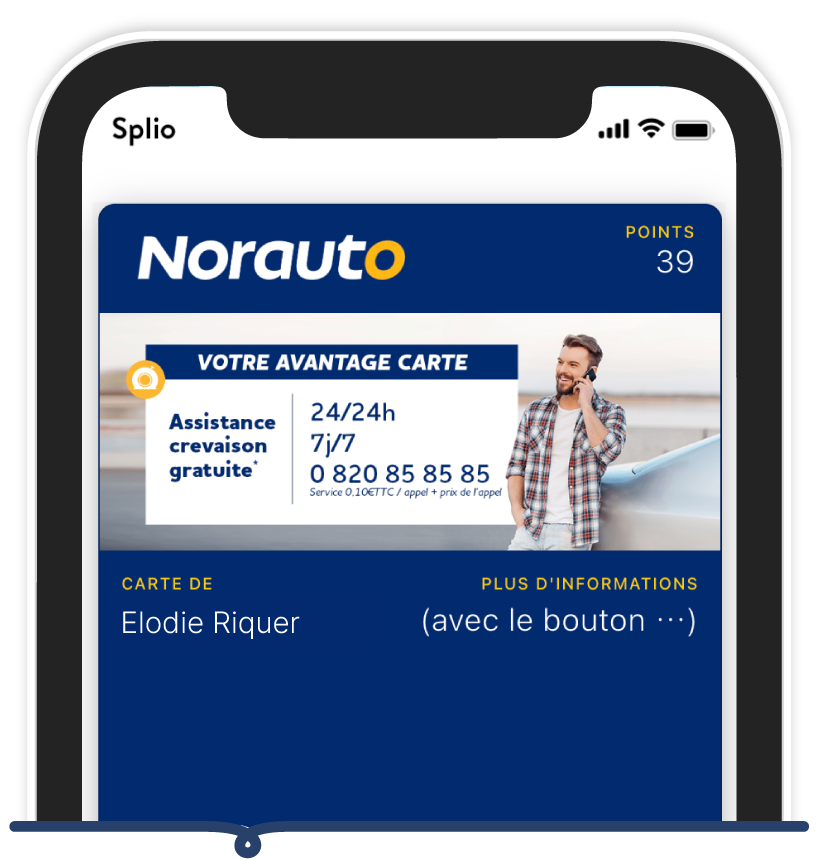
Norauto has rolled out a new customer engagement strategy using Mobile Wallets engages its community through automated push notification campaigns in which it promotes and reminds customers of its offers before they expire.

Mobile Wallet Marketing use cases

Acquire new prospects in-store by inviting them to scan a QR code to add a coupon to their Mobile Wallet.

Mobile Wallet Marketing use cases

Increase the conversion rate of your marketing campaigns by opening a new channel in the heart of mobile with ultra-personalized content.

Increase the conversion rate of your campaigns

Engage your customers by providing a seamless loyalty experience and access to their information in real time.

Engage your customers

Digitalize your loyalty program by inviting your customers by email or SMS to add their loyalty card in a few clicks to their Mobile Wallet.

Dematerialize your loyalty program

Boost drive-to-store trafficor app downloads with Mobile Wallets.

Increase drive-to-store

Reactivate your inactive contact base by sending them personalized and time-limited coupons.

Reactivate your inactive contacts
Get a demo

Turn predictions to actions with Splio

Personalize at scale, improve CRM team productivity, and increase the ROI of your campaigns with the AI-first CRM.

Get a demo

Frequently Asked Questions

To add a loyalty card to the wallet, the easiest way is to offer an "Add to Wallet" button from an email or SMS, a post-purchase page, or the customer account. The user adds it in one click to Apple Wallet or Google Wallet, then the card lives on their phone and updates automatically.

Click here to change your cookie preferences